Activity Cleaner Add to Chrome

Everything you need to start fresh

Seven tools that clear years of Instagram activity in minutes, each one careful with your account and clear about what it's doing.

Unfollow in bulk, without the risk

See everyone who doesn't follow you back, keep the people you care about, and unfollow the rest at a steady, human pace.
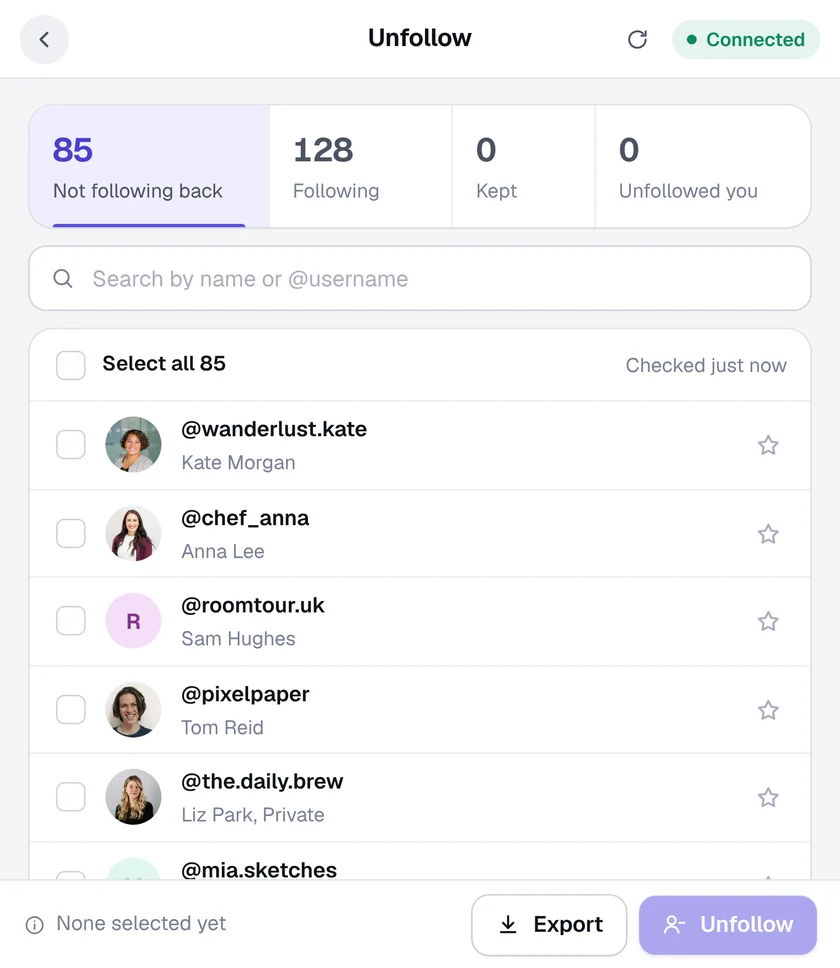
  • Not following back, at a glance. Your followers and the people you follow are compared for you, with counts for each list.
  • Keep anyone you like. Star an account to keep it, and it's never unfollowed. You can also keep every verified account automatically.
  • Search and select fast. Find people by name or @username, select them one by one or all at once.

Learn more about mass unfollow

Activity Cleaner Mass unfollow screen

Delete old posts in bulk, by date

Pick a date range, review every post it finds, untick the ones you want to keep and delete the rest in one go.
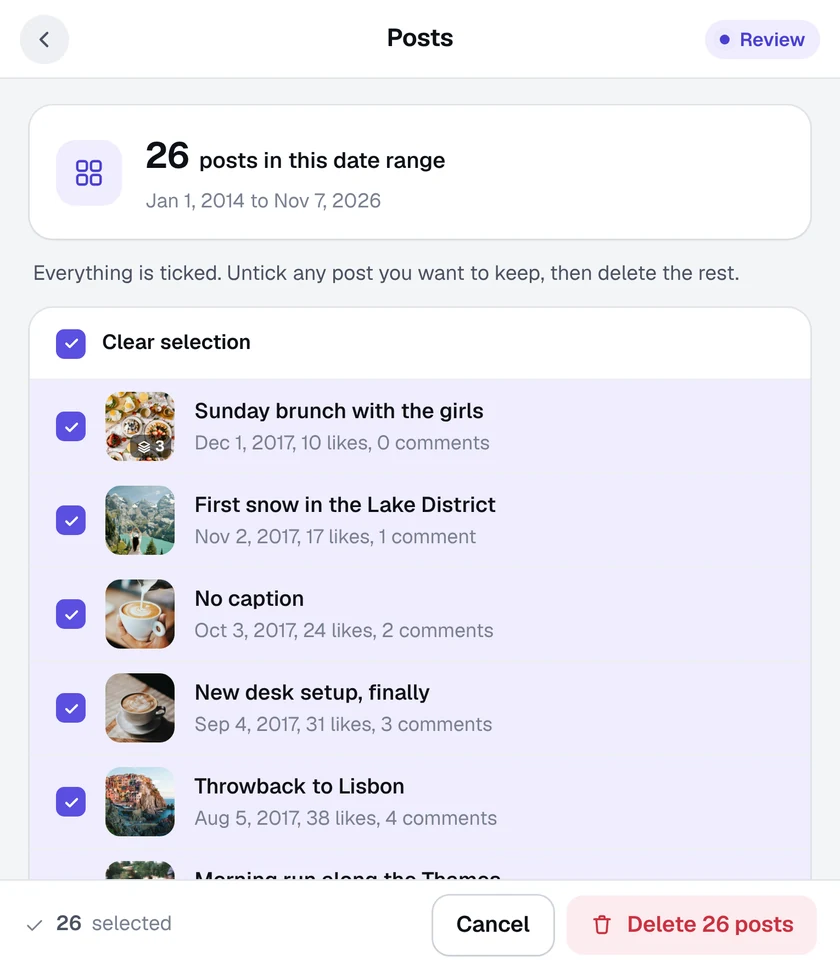
  • Choose the years that go. Set a From and To date, or tap a quick range: last 30 days, 12 months, this year, last year or all time.
  • Review before anything changes. Every post in the range is listed with its date, likes and comments. Untick anything you want to keep.
  • A pace that suits you. Pick the removal speed, with a safety pause between batches. Stop at any time.

Learn more about delete posts

Activity Cleaner Delete posts screen

Unlike everything you've ever liked

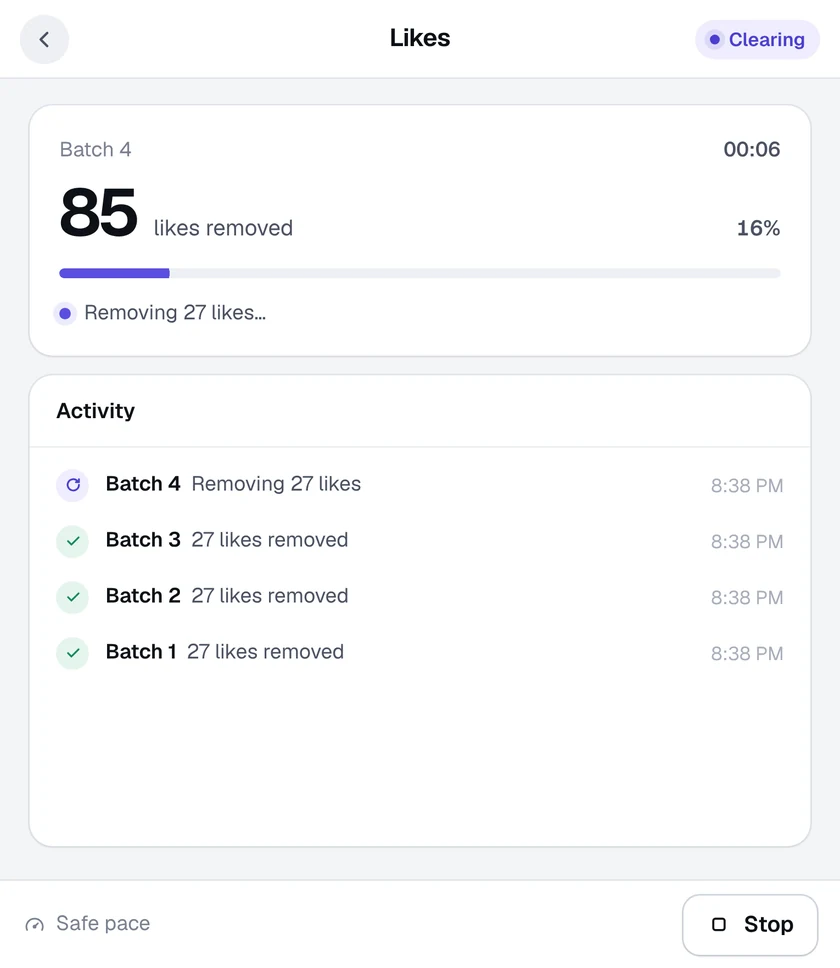
Activity Cleaner opens Instagram's own Likes page and clears it in batches, newest first, until it's empty.
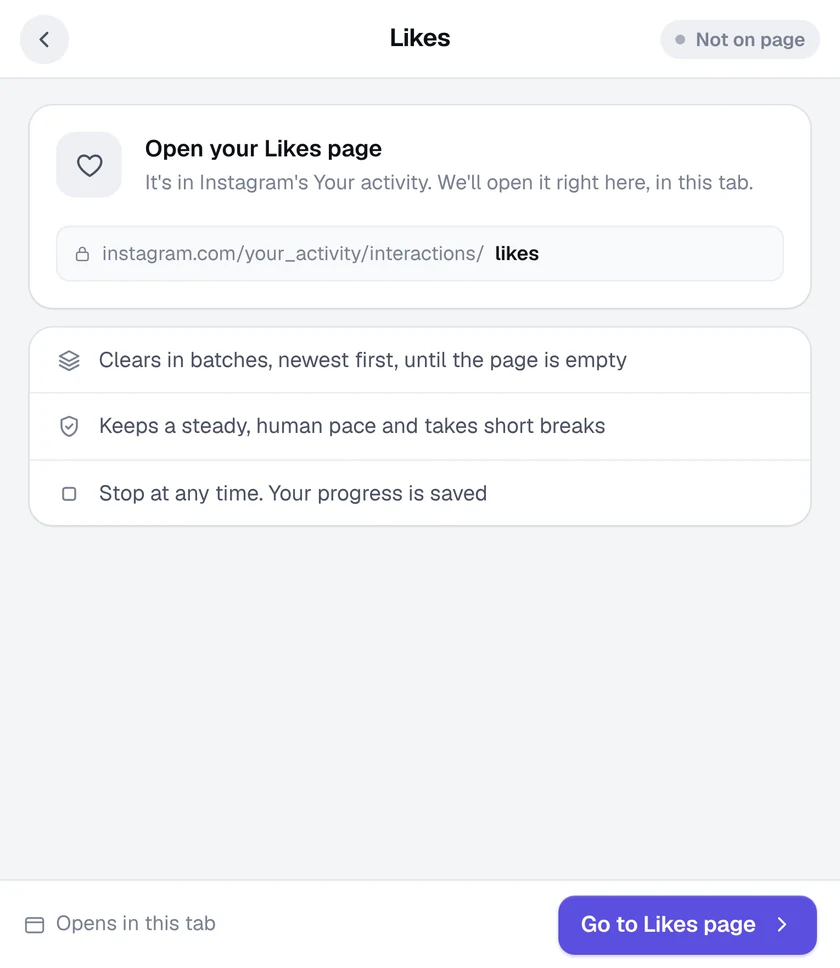
  • Uses Instagram's own page. It works on Your activity, Likes: the same page Instagram gives you, just without the clicking.
  • Batch after batch. Likes are removed in batches, newest first, with short breaks to keep your account safe.
  • Carry on with your day. Keep the Instagram tab open and use other tabs. Get a desktop alert when it finishes.

Learn more about unlike all

Activity Cleaner Unlike all screen

Delete every comment you've left

Old jokes, old arguments, old you. Activity Cleaner clears Instagram's Comments page for you, batch by batch.
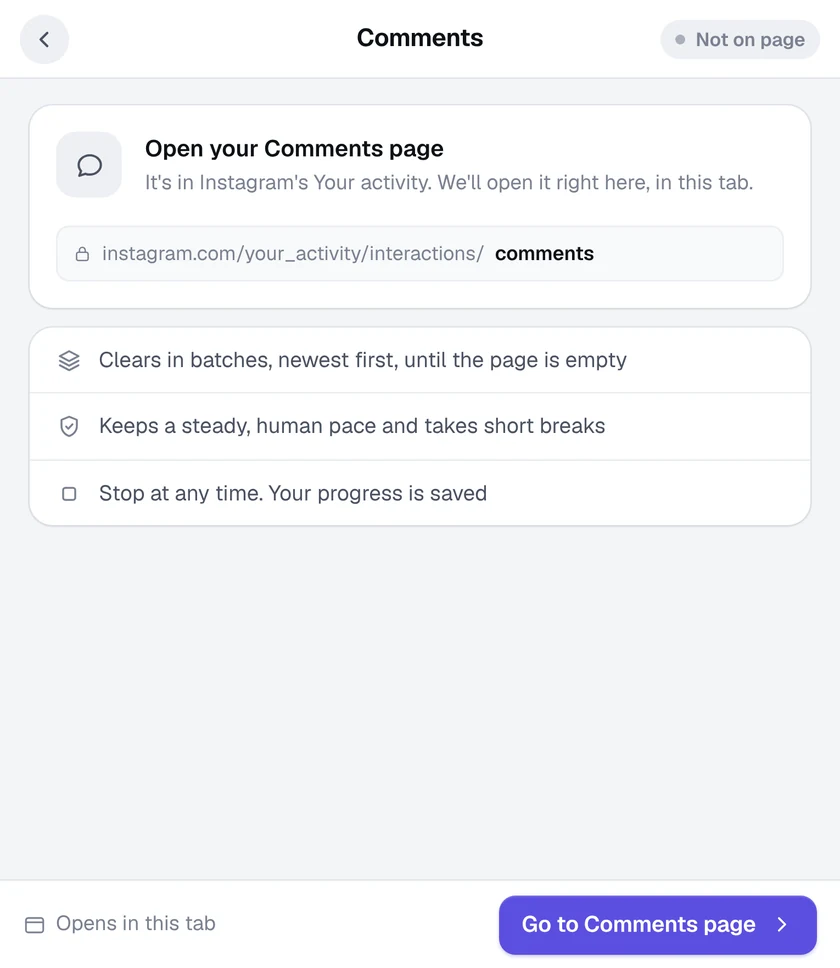
  • Your Comments page, emptied. It works on Your activity, Comments, where Instagram lists every comment you've written.
  • Newest first, in batches. Comments are removed in batches with short safety breaks between them.
  • Runs in the background. Use other tabs while it works, and get a desktop alert when it's done.

Learn more about delete comments

Activity Cleaner Delete comments screen

Unsave everything, or just some

Clear all your saved posts, empty one collection, or unsave only the posts that mention the words you choose.
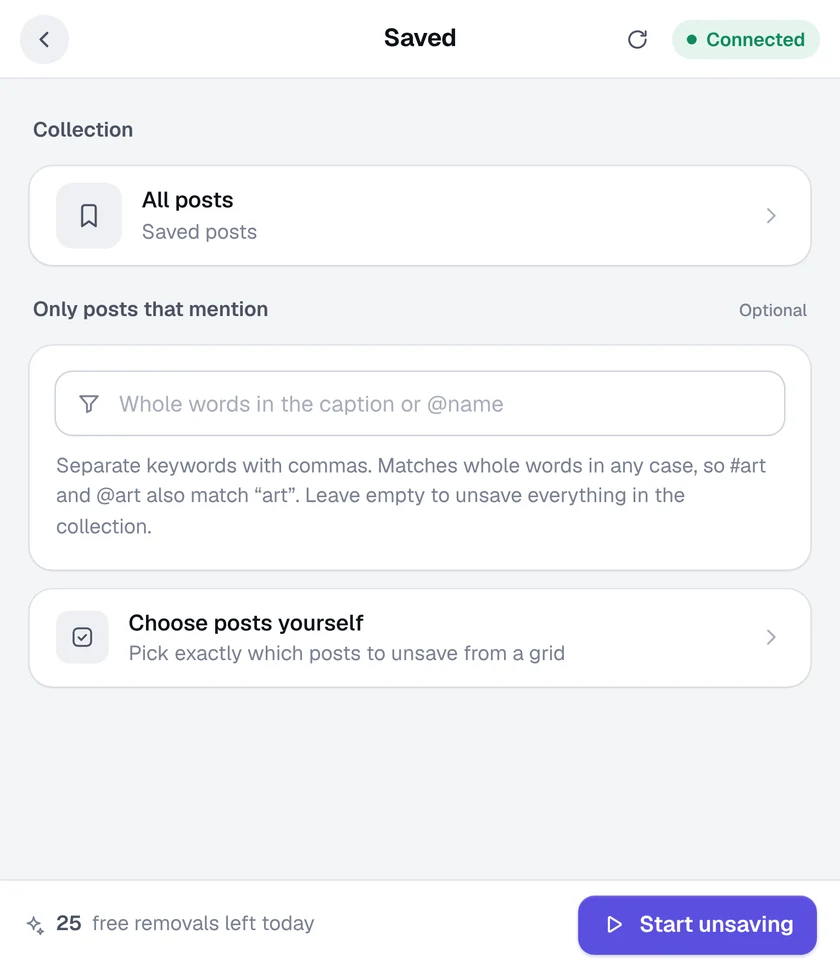
  • All posts or one collection. Pick All posts, or open any of your collections and clear just that.
  • Only posts that mention… Type a few words or @names, and only saved posts whose caption mentions them are unsaved.
  • Choose posts yourself. Open a visual grid of your saved posts and tap the ones to unsave.

Learn more about unsave posts

Activity Cleaner Unsave posts screen

Clear your reposts in one go

Activity Cleaner opens Instagram's Reposts page and removes your reposts in batches until your profile is clear.
  • Instagram's own Reposts page. It works on Your activity, Reposts, where every repost you've shared is listed.
  • Steady batches. Reposts go in batches, newest first, with short breaks to keep your account safe.
  • Nothing hidden. The window shows each batch as it goes, with a running total.

Learn more about remove reposts

Activity Cleaner Remove reposts screen

Take your name off old tagged photos

Activity Cleaner finds every post where someone tagged you. Choose which tags to remove: the posts stay up, only your name comes off.
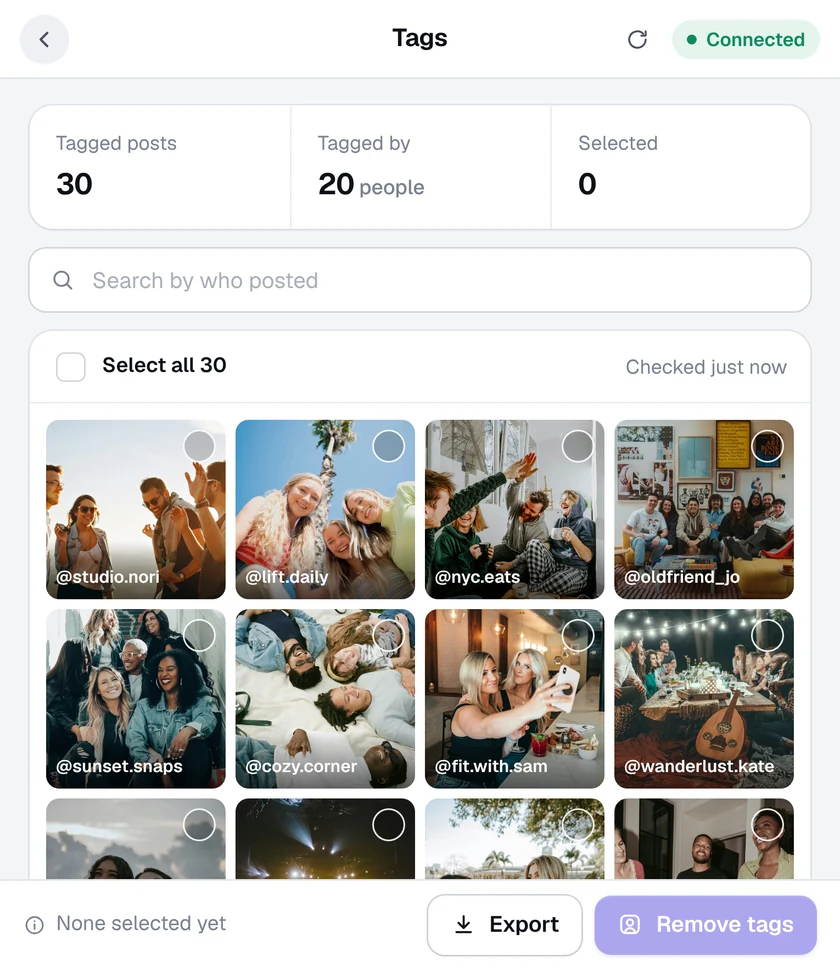
  • Every tagged post, found. Your Tagged posts are gathered into one grid, with who posted each one.
  • Pick by person. Search by who posted, select one by one, or select all.
  • Posts stay up. Removing a tag only takes your name off. The photo stays on its owner's profile.

Learn more about remove tags

Activity Cleaner Remove tags screen

See who unfollowed you, privately

Activity Cleaner keeps track of your followers in your own browser. Check again later and anyone who left shows up in its own list.
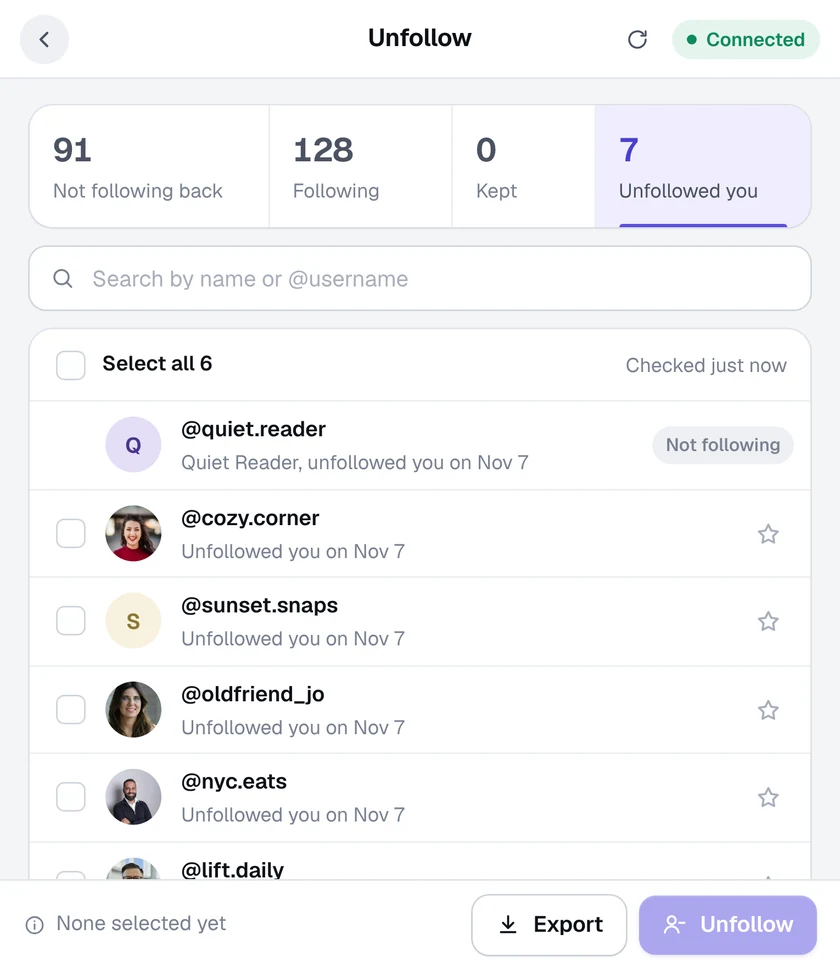
  • A list of who left. The Unfollowed you tab shows each account that stopped following you, with the date it happened.
  • Stays on your computer. Your follower history is kept in this browser only. It's never uploaded anywhere.
  • Act on it, or don't. Unfollow them back in a click, or just keep the list. Export it as a CSV file if you like.

Learn more about who unfollowed me

Activity Cleaner Who unfollowed me screen

Built in, in every tool

The details that make cleaning up feel calm.

Pause and pick up later

Stop any tool at any moment. When you carry on, it starts where it left off and counts nothing twice.

A note when it's done

Runs keep going in the background, the toolbar icon shows a live count, and you can get a desktop alert at the end.

Export to CSV

Every list can be downloaded as a CSV file that opens in Excel, Numbers and Google Sheets.

Your speed

Choose Slow, Medium or Fast for posts and saves. Every speed takes safety pauses.

A keep list

Star the accounts you never want to unfollow, and keep verified accounts automatically.

A keyboard shortcut

Open Activity Cleaner from any tab with Alt + Shift + A. Light and dark mode included.

Careful with your account, by design

No password, ever

It uses the Instagram login already open in Chrome. We never see or store it.

Stays on your computer

Your lists and history never leave this browser. We only keep an anonymous count of your free removals.

A natural pace

Work happens in small batches with a safety pause between them, tuned for each tool.

Stops when Instagram says so

If Instagram asks for a break, the run pauses straight away and tells you why.

Counted only when confirmed

An item is counted once Instagram confirms it's gone, so totals and exports are exact.

You stay in control

Review before anything goes, pause or stop any time, and set a daily unfollow limit.

Ready when you are.

Add Activity Cleaner to Chrome, open Instagram and pick a tool. Your first 25 removals are on us, every day.